How to Choose an AI Video Generator
The best model depends on the kind of video you need to make. A tool that performs well for a cinematic text prompt may not be the strongest choice for reference consistency, product advertising, dialogue, or rapid image animation. Compare models against the workflow you will actually use instead of relying on one headline feature.
Pay attention to prompt adherence, motion quality, subject consistency, camera control, supported inputs, audio generation, duration, resolution, speed, and credit usage. The comparison reports below examine different combinations of these factors so you can identify useful trade-offs before committing to a larger project.
Choose a Vidu Model
Review Vidu workflows for general creation, advertising, drama, and reference-based video.
Watch Video Examples
Look at motion, pacing, visual style, and subject behavior across practical output examples.
Compare Credit Costs
Consider how model choice, duration, resolution, and settings affect generation credit usage.
Create with Vidu Q3 Pro
Start a flexible text- or image-led workflow for short cinematic and stylized videos.
Analysis reports
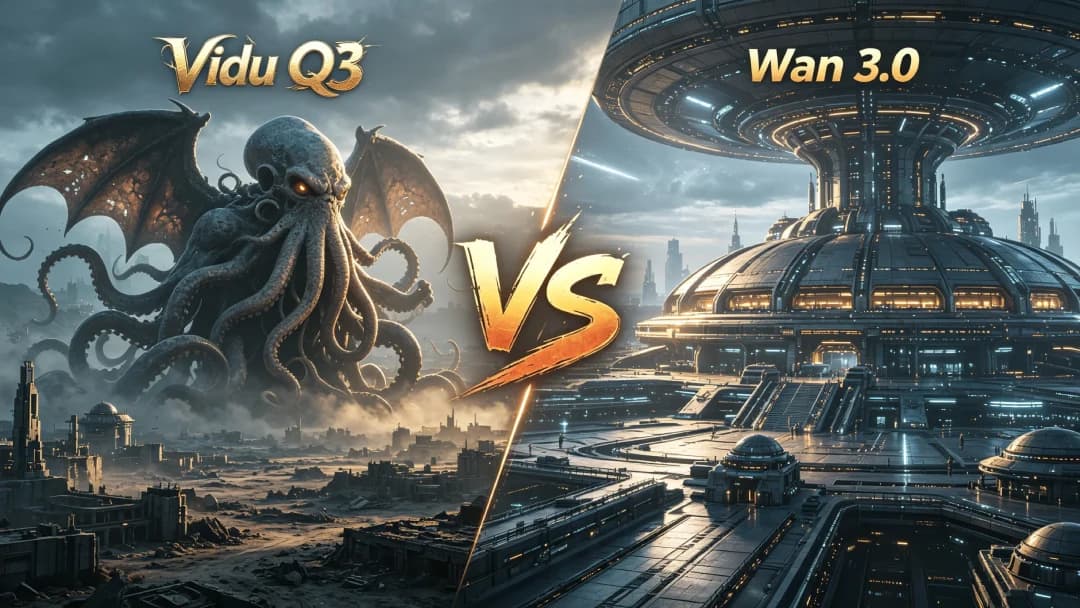
Vidu Q3 vs Wan 3.0: Which AI Video Model Is Better?
Compare Vidu Q3 vs Wan 3.0 for video length, native audio, image and reference control, editing, camera tools, consistency, and real-world use cases.
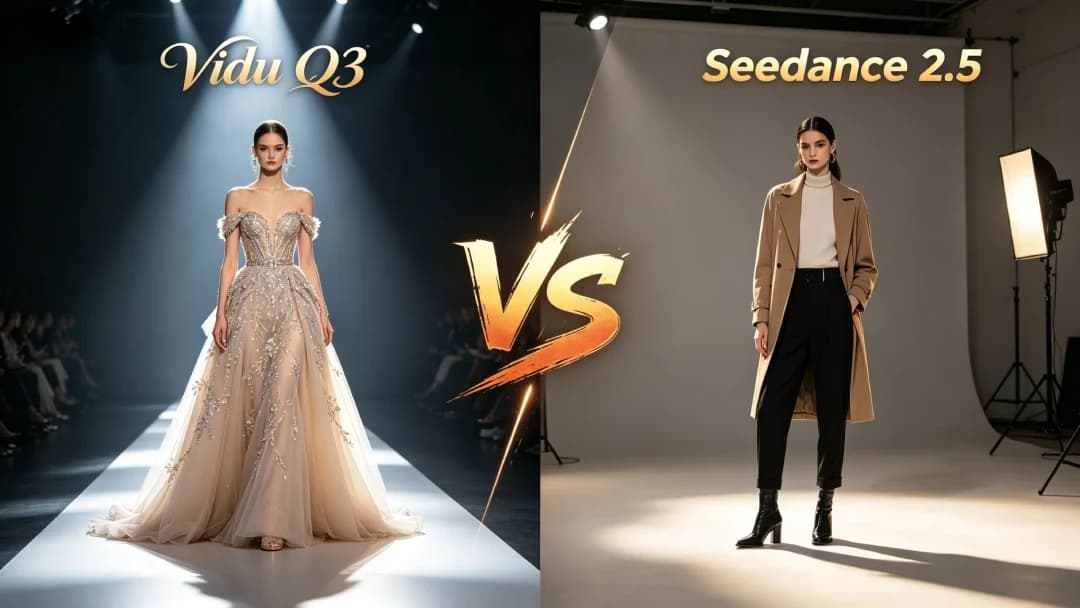
Vidu Q3 vs Seedance 2.5: Which AI Video Model Is Better?
Compare Vidu Q3 vs Seedance 2.5 for video length, native audio, reference control, editing, camera tools, and use cases to find the better fit.
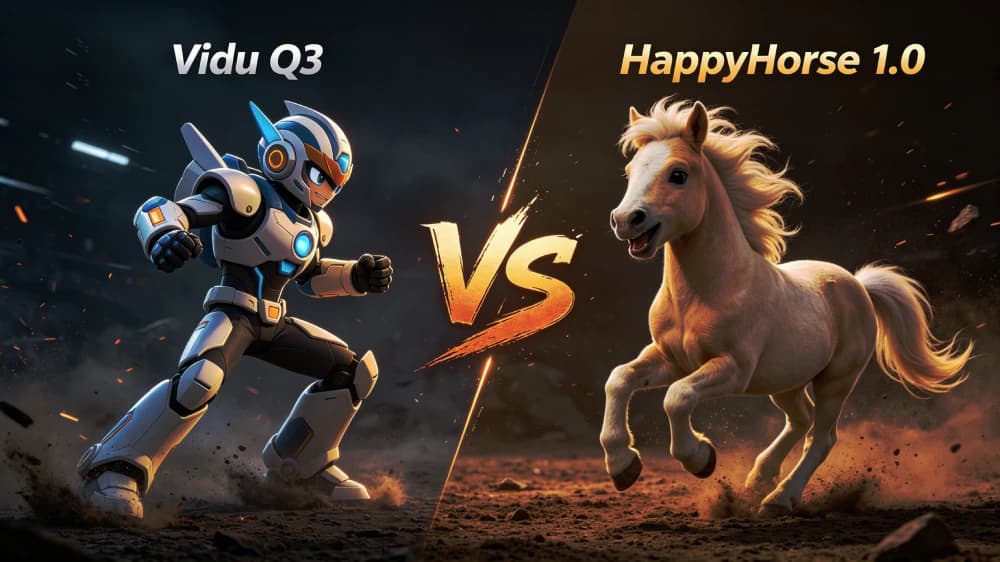
HappyHorse 1.0 vs Vidu Q3: Arena Favorite or Production Workhorse?
Compare Vidu Q3 vs HappyHorse 1.0 for AI video creation. See differences in style, motion, speed, and output quality to choose the right tool.
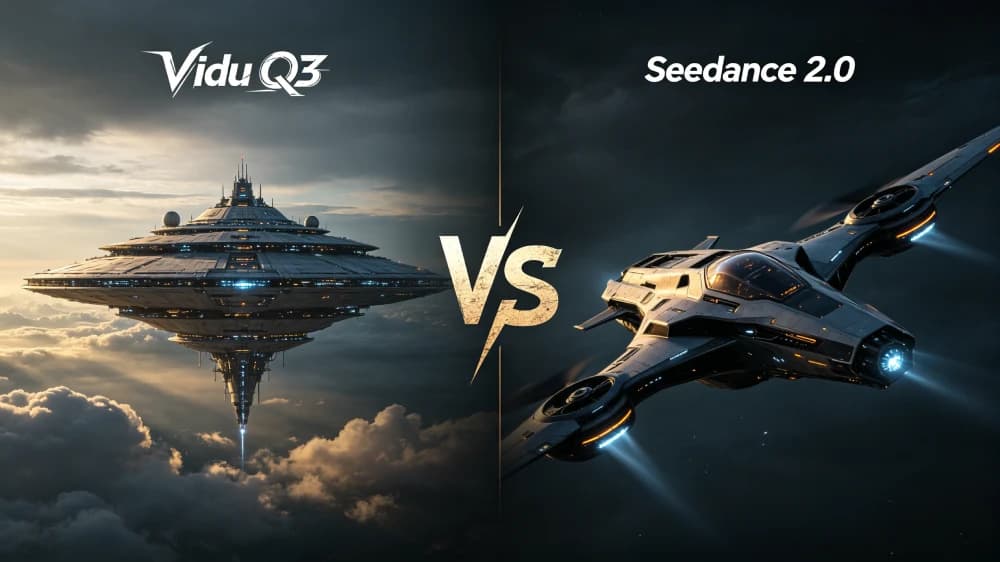
Seedance 2.0 vs Vidu Q3: 2K Multimodal Power or Faster Workflow?
Compare Vidu Q3 vs Seedance 2.0 for AI video creation. See differences in workflow, motion quality, control, and real results to choose the right tool.
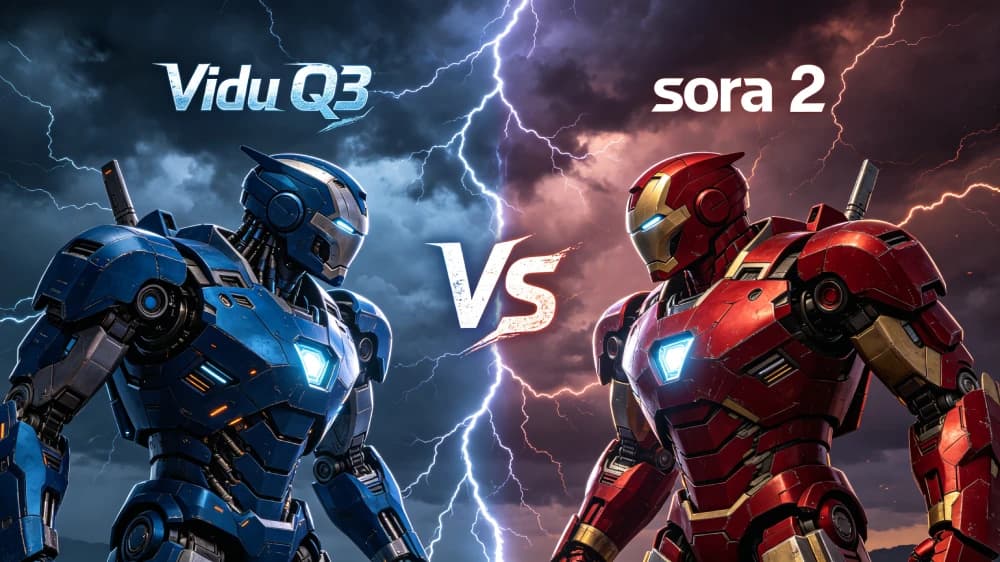
Sora 2 Is Ending. Is Vidu Q3 the Right Replacement?
A detailed technical comparison between Vidu Q3 and Sora 2. Discover the key differences in video quality, motion consistency, and creative workflow to choose the best tool for your production.
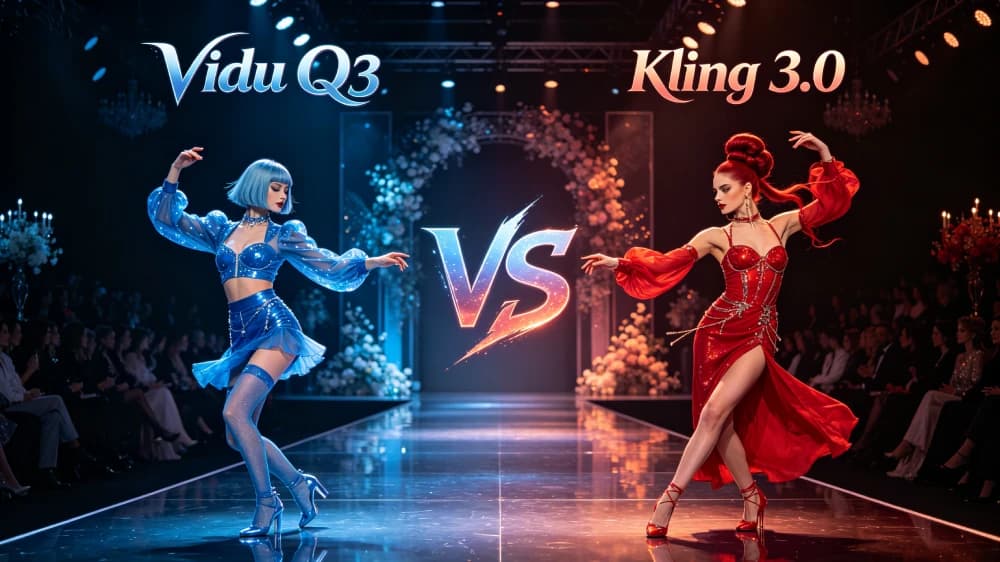
Vidu Q3 vs Kling 3.0: Fast Storytelling or Native 4K Control?
Compare Vidu Q3 vs Kling AI for AI video creation. Explore differences in video quality, motion, speed, pricing, and real results to choose the best tool.
How to Read These Comparisons
Specifications describe what a model supports, but they do not guarantee the same result for every prompt. Output can change with the source image, scene complexity, aspect ratio, duration, resolution, and generation settings. Use each report to narrow your choices, then test the most relevant workflow with your own references and creative requirements. For broader prompt and camera guidance, visit the Vidu Q3 Practical Guide.
What These Comparisons Cover
These reports compare documented capabilities, available workflows, and practical creative considerations. Specifications come from the sources linked in each article; quality assessments are editorial judgments. Model settings and outputs vary, so use the comparisons to shortlist a workflow and evaluate it with your own prompts and references.
Stability vectors
- Temporal coherence
- Style persistence
- Geometry anchoring
Fidelity matrix
- Semantic depth
- Native syncing
- Lighting accuracy
Stop comparing, start creating.
Try Vidu Q3 Pro with your own prompt or image and judge how the workflow fits your project.
👉 Start Free with Vidu Q3