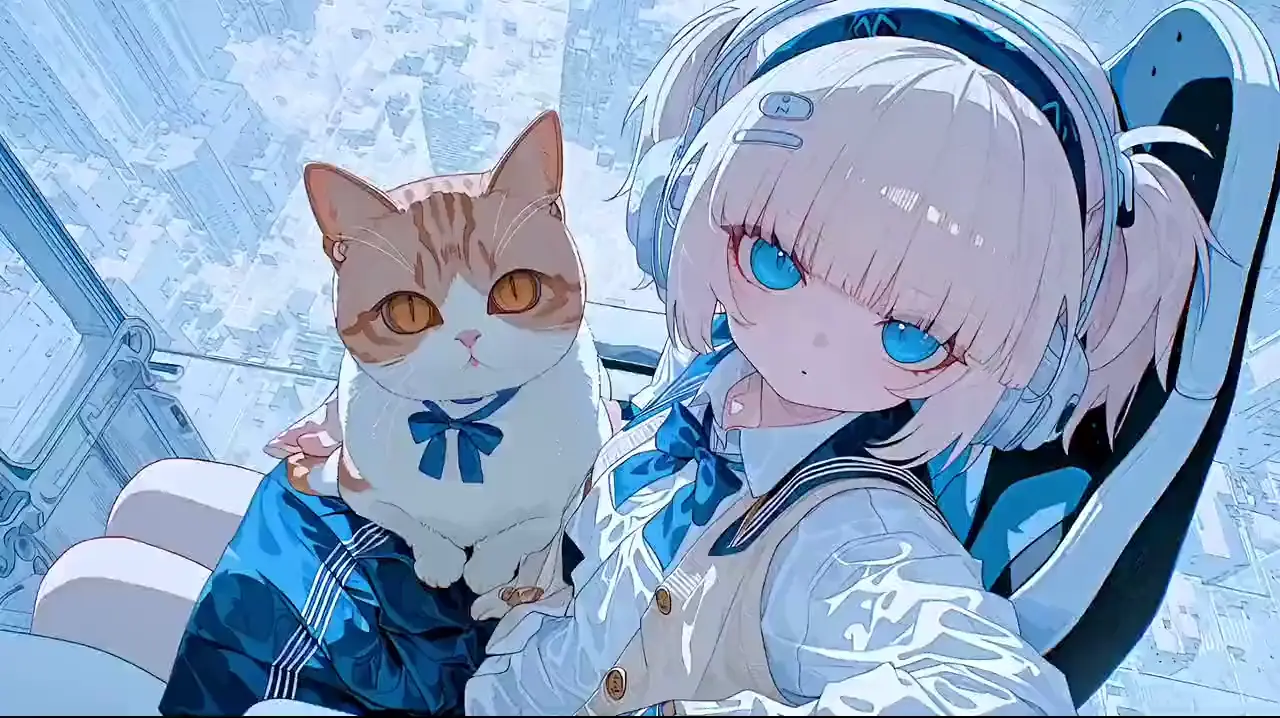
Character art to motion study
Anime character animation
The anime character slowly raises her head, hair moving in the wind, camera pushes toward the face, soft emotional piano and ambient night air.
Upload an image, describe the motion, and generate animated clips with strong visual anchoring, anime-friendly rendering, and native audio in one workflow.
Start from a character sheet, manga panel, concept frame, portrait, or product image.
Tell the model how the subject should move, how the camera behaves, and what the clip should sound like.
Render the clip, compare the motion against the source image, then refine the prompt if needed.
Preserves shape language and anime styling while adding motion cues.
Useful when you want a fast motion test without rebuilding the scene in 3D.
Good for ads, hero loops, packaging reveals, and ecommerce visual upgrades.
Can add subtle camera motion and ambient movement for more engaging visual storytelling.
These examples show how a still visual anchor can map into a generated motion clip. The left side represents the first-frame reference used to guide the output, and the right side shows the resulting video plus the motion prompt.
The anime character slowly raises her head, hair moving in the wind, camera pushes toward the face, soft emotional piano and ambient night air.
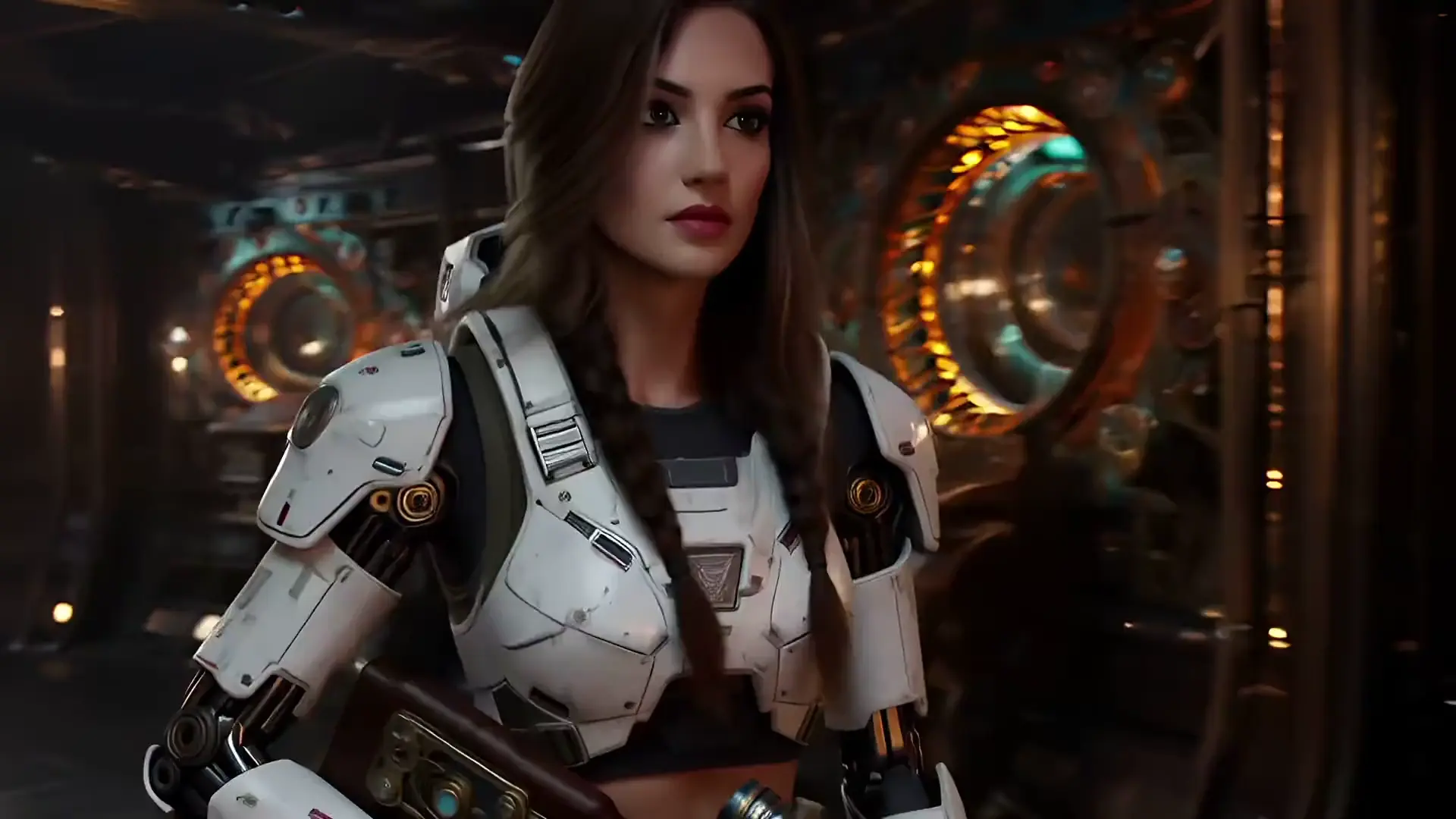
Hold the original line work, introduce subtle shoulder movement, drifting fabric, and a slow cinematic rack focus with moody atmosphere.
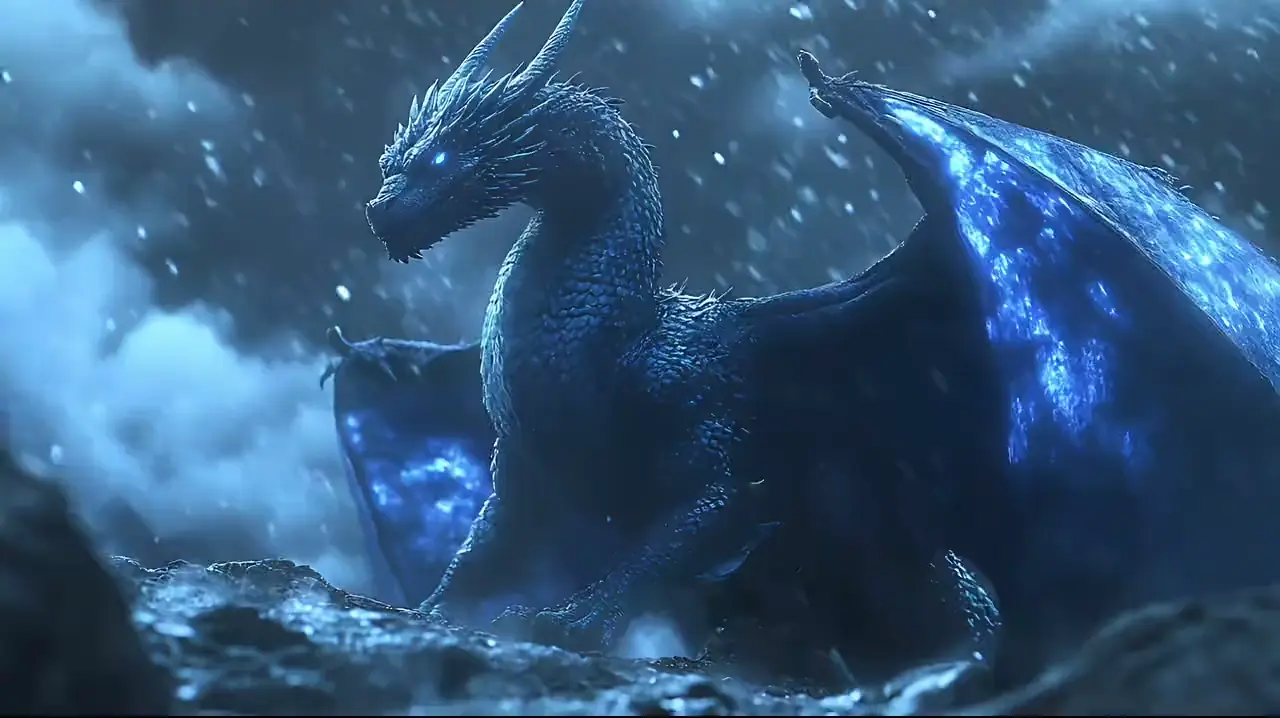
Product rotates in a clean studio orbit shot, soft reflections, smooth camera move, minimal premium sound design.
The uploaded image acts as the anchor, which helps preserve form, palette, and style through the generated motion.
For 2D art, line work and flat shading usually hold up better than in generic image animation workflows.
You are not limited to silent motion studies. The same generation can include ambience, music, or effects.
| Need | Best mode | Why |
|---|---|---|
| Preserve one exact character design | Image to video | The input image anchors the design directly. |
| Explore scenes from scratch | Text to video | No source image is required to begin ideation. |
| Animate product hero art | Image to video | Brand-approved visuals remain closer to the source asset. |
| Prototype many ideas quickly | Text to video | It is faster when there is no approved source image yet. |
If you do not already have a reference image, start with text to video AI.
These cover the practical questions most people ask before choosing between image-led and prompt-led video generation.
Image to video AI starts from a still image and generates motion, camera movement, and optionally audio while keeping the uploaded image as the visual anchor.
Yes. Upload clear artwork or a manga-style image and describe a focused movement. Review the result for changes to faces, hands, and line work.
The generator accepts common formats such as JPG, PNG, and WebP through the built-in upload flow on the page.
Yes. You can pair uploaded artwork with prompts that also describe music, ambience, or dialogue for native audio generation.
Vidu Q3 supports short-form clips up to 16 seconds, which gives enough room for simple motion beats and compact story moments.
Use image to video when subject fidelity matters most, such as preserving a character design, product shot, or approved illustration style.
Use image to video when consistency matters most, especially for anime art, product stills, and approved visual assets.
Try Image to Video Free