Vidu AI Anime Video Generator
Turn text prompts, images, and visual references into expressive anime videos with Vidu AI. Bring your characters and stories to life with cinematic motion and a consistent anime style.
Choose Your Anime Starting Point
An Original Scene
Start with text when you want to explore a new character, setting, or camera idea.
Existing Artwork
Upload an illustration when the character design and starting composition are already decided.
A Short Story Beat
Plan one action or reaction per clip, then assemble selected takes in your editor.
Vidu Q3 Engine:
With just a single image and a short description, you can perfectly generate a scene from Frozen.
What is an AI Anime Video Generator?
Transform Ideas into Animated Stories with AI
An AI Anime Video Generator is a tool that turns prompts or reference images into anime-style video clips. It sits between text-to-video and image-to-video workflows, giving creators a faster way to test scenes, motion, and visual ideas without animating each frame manually.
In practice, this is most useful for creators who need fast concepting, stylized social clips, pre-visualization, or short narrative sequences. It does not replace a full animation studio, but it can remove a lot of the repetitive work involved in early-stage production. If you want a broader product breakdown first, start with our review.
Key Features of AI Anime Video Generator
Advanced AI Tools for High-Quality Anime Video Creation
Text to Anime Video Generation
Turn Ideas into Anime Scenes Instantly
For a text-led anime scene, specify the character silhouette, color palette, setting, and one main action. For example: a red-scarf courier pauses on a rooftop at dusk, cel shading, a slow camera push, and fabric moving in the wind. Change one element at a time when comparing drafts.
AI Sample Output
Image to Video Animation
Animate Static Artwork with Fluid Motion
Use a clean illustration with a readable face, separated limbs, and enough space around the subject for movement. Start with a blink, head turn, or fabric motion before attempting a complex action. Inspect the draft for changes to eyes, hands, costume details, and line work.
AI Sample Output
Cinematic Anime Effects
Create Studio-Level Anime Visuals with One Click
Choose one camera move and a restrained effect for the shot: a slow push with drifting particles, a lateral pan through rain, or a close-up with changing rim light. Too many simultaneous effects can obscure the character; review the action before adding more atmosphere.
AI Sample Output
Why Use an AI Anime Video Generator?
Faster, Easier, and More Creative Than Traditional Animation
Traditional animation takes time, people, and a lot of repetition. An AI Anime Video Generator changes that by giving creators a way to test scenes much faster. Instead of building every frame manually, you start with a prompt or image and use the model to explore motion, camera, and style.
- Fast Iteration
Generate short anime clips quickly so you can test storyboards, camera ideas, and visual direction before committing more time.
- Lower Early Costs
Useful for reducing early production overhead when you are still comparing scenes, references, and style options.
- Accessible Workflow
Writers, designers, and non-animators can prototype scenes with prompts instead of building every frame from scratch.
- More Variations
It is easier to try multiple versions of a scene, then keep the one that best fits the character or mood.
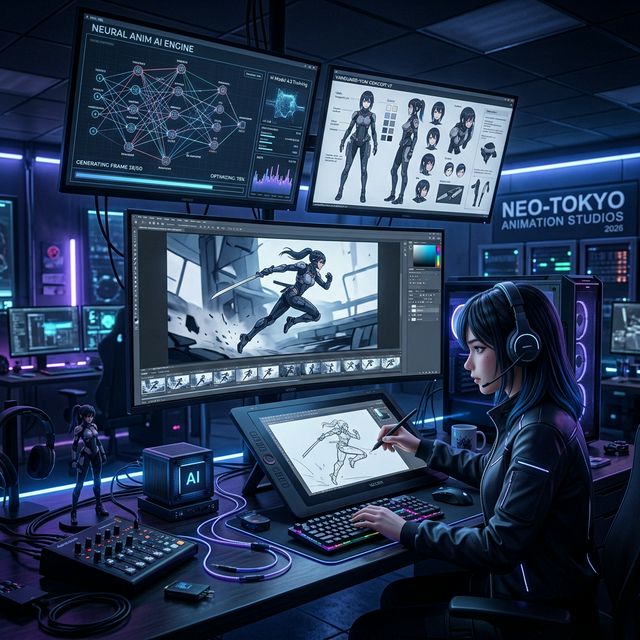
A practical workflow for turning prompts and reference art into short anime-style clips.
Use Cases for AI Anime Video Generator
From Hobby Creators to Professional Studios
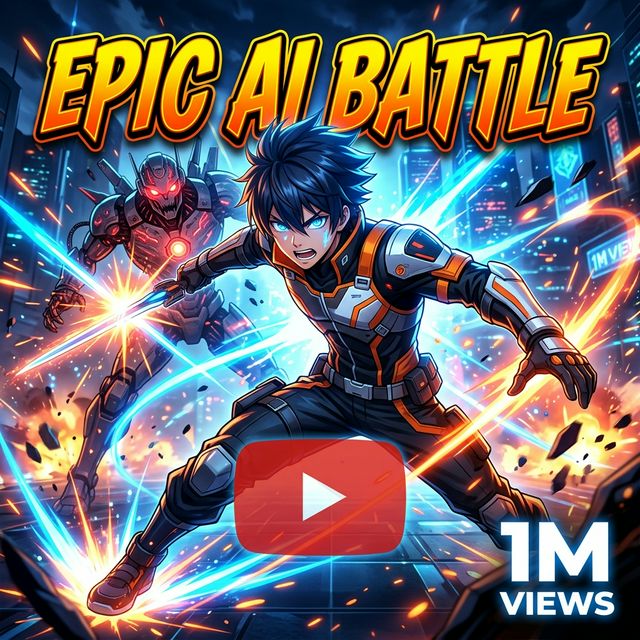
YouTube Anime Channels
Build stylized intro clips, short explainers, scene loops, and supporting visuals for anime-focused channel content.
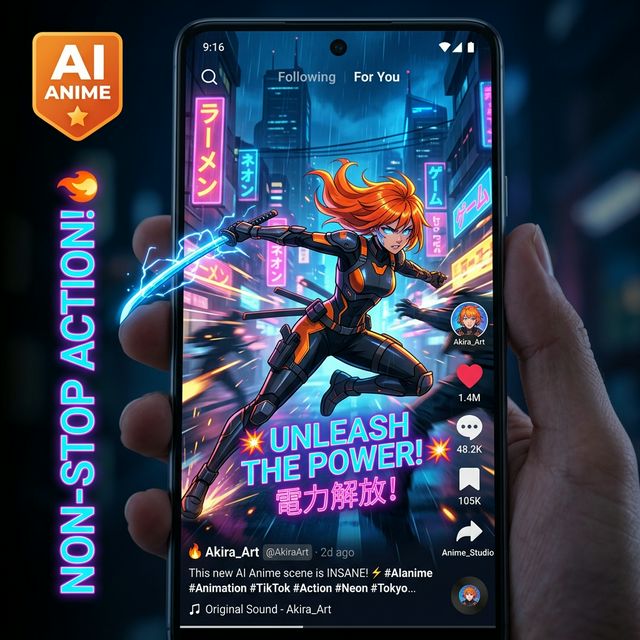
TikTok & Reels Content
Create short anime-style vertical clips for social platforms where speed, pacing, and visual punch matter more than long continuity.
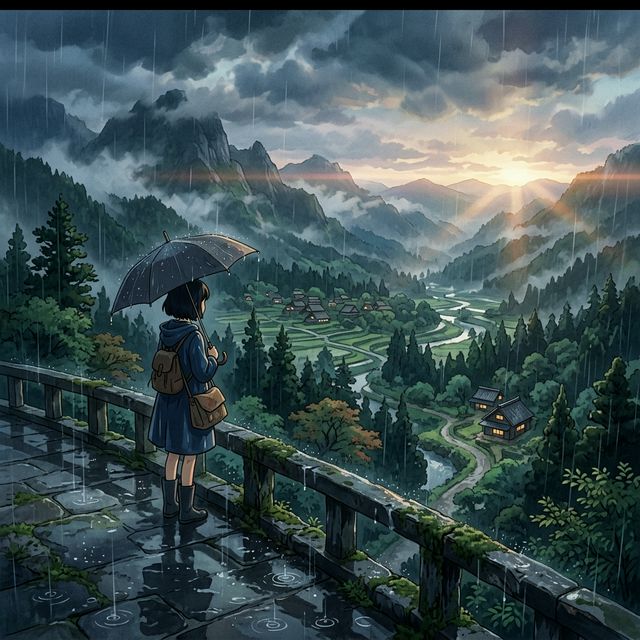
AI Short Films
Prototype short narrative ideas, mood pieces, and stylized sequences before moving into a heavier editing or animation pipeline. For dialogue and character interaction, explore character-driven AI video generation.
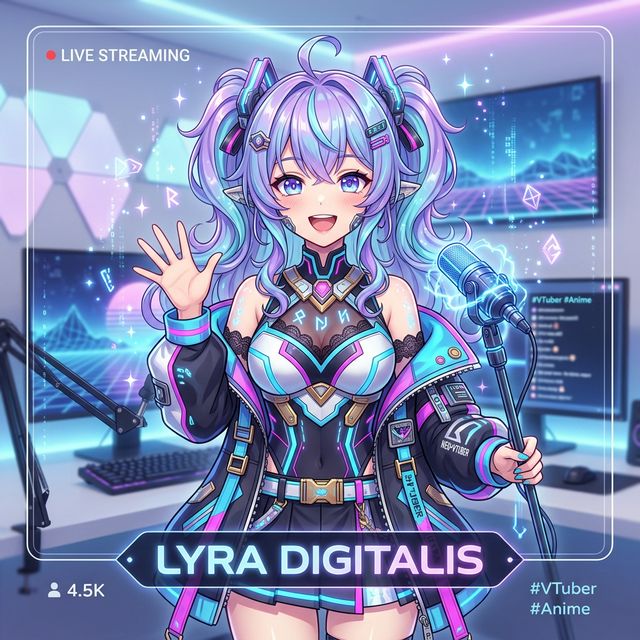
VTuber & Digital Avatars
Create animated promo assets, identity clips, and scene backgrounds for VTuber and avatar-based content.
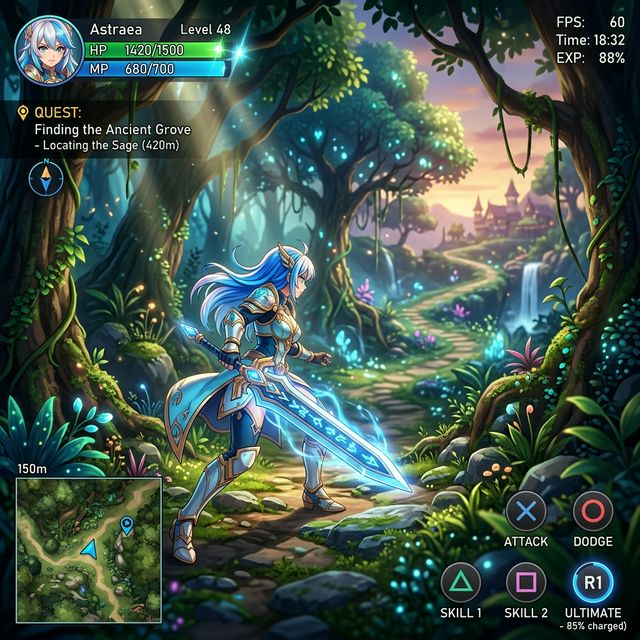
Game Cinematic Cutscenes
Test cutscene ideas, transitions, and stylized environment shots for game concepts and indie production pitches.
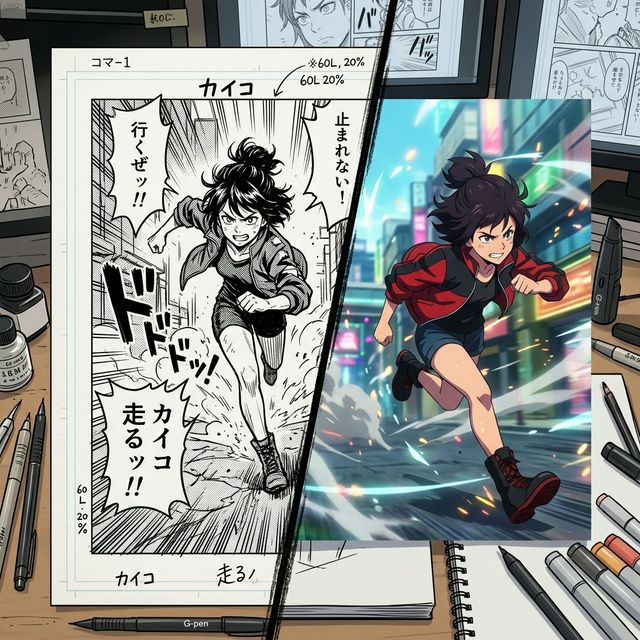
Manga Pre-visualization
Turn manga panels or character art into motion studies so you can preview how scenes might feel before full production.
How to Use an AI Anime Video Generator
A straightforward 3-step workflow for testing anime-style scenes
Input Prompt & Assets
Enter a clear prompt describing the scene, then add optional character references or background sketches to help the model stay on track.
Set Production Parameters
Choose the output settings that matter for your test, such as resolution, clip length, aspect ratio, and whether you want audio.
Generate & Export
Run the generation, review the result, and export the clip for editing, social publishing, or another round of iteration.
Anime AI Generator vs Traditional Animation
AI vs Manual Animation Comparison
| Factor | AI Anime Video Generator | Traditional Studio |
|---|---|---|
| Production Speed | Under 90 Seconds / Clip | 60+ Hours / Minute |
| Entry Barrier | Prompt based (Free to start) | High (Technical Drawing Skills) |
| Asset Consistency | Automated Motion Vectoring | Manual Tracking/Tracing |
| Operational Cost | Included in One-Time Credit Packs | Industrial Render Farms / Staff |
| Iterative Freedom | Unlimited Rapid Prototypes | Extremely Limited (Fixed budgets) |
Best AI Anime Video Generator Tools
Choosing the Right AI Tool for Your Needs
Choosing between anime video tools depends on the style you want, the amount of control you need, and how much time you are willing to spend refining prompts and references. Many general-purpose video models can imitate anime aesthetics, but they often struggle with clean line work, stable character identity, or the timing needed for short stylized scenes.
For more serious use, it helps to choose a platform that offers 1080p output, commercial rights, and both text-to-video and image-to-video workflows. That combination usually makes it easier to move from rough ideation into something you can actually edit, publish, or hand off to a production team. You can compare current plans on the pricing page and browse finished examples in the showcase.
Flagship Model
Vidu Q3 Pro
Turbo Model
Vidu Q3 Turbo
AI Anime Video Generator FAQ
Common Questions About Anime Video Creation with AI
QWhat is an anime AI video generator?
An AI Anime Video Generator is a tool that turns text prompts or still images into anime-style video clips. It is useful for concepting scenes, animating artwork, and building short stylized sequences without drawing every frame manually.
QIs the anime AI video generator free to use?
Yes. There is a free entry option for testing the workflow, while paid plans are better suited to creators who need more generations, higher-quality exports, or commercial usage.
QCan it generate full length anime animations?
It is better at short scenes than full-length episodes. Longer anime pieces usually need to be built from multiple clips, with reference images and careful scene planning to keep character identity consistent.
QIs it good for beginners without any design skills?
Yes. Beginners can start with simple prompts and references. More experienced users usually get stronger results by being more specific about composition, motion, and style.
QHow long does it take to generate an anime video?
Generation time depends on settings and queue conditions, but short clips are usually much faster to produce than a traditional animation workflow. The main advantage is rapid iteration.
QDoes it support character consistency in different scenes?
It can help with character consistency, especially when you provide a strong reference image. Results are generally better in short clips than in long multi-scene sequences.
Start Creating Anime Videos with AI Today
Start with a prompt or reference image, test a few scenes, and see whether the workflow fits your style. The strongest results usually come from iteration, not from treating AI video as a one-click replacement for animation. If you want a more hands-on setup walkthrough, follow the vidu-q3-ai-video-generator-practical-guide.