Vidu Q3 Create Anime, Cinematic & Ad Videos
Use Vidu Q3 to create anime clips, cinematic videos, and video ads from text prompts or image uploads — up to 16 seconds with native audio. Free to start, no subscription.
How Vidu Q3 Works
Turn a text prompt or image upload into a 16-second AI video with native audio in a simple workflow.
1. Enter Your Prompt or Upload an Image
Start with a text prompt, a reference image, or both. Describe the scene, style, subject, and motion you want to create.
2. Choose Your Video Settings
Adjust the key options for your video, including model, camera movement, resolution, duration, and native audio.
3. Generate and Download
Click Start Creating and Vidu Q3 will generate your AI video in minutes. Preview the result, refine your prompt if needed, and download your final video.
What Is Vidu Q3 AI Video Generator?Create short cinematic videos from text prompts or images.
Vidu Q3 AI Video Generator helps creators turn prompts or reference images into short videos with smooth motion, consistent style, and a simple workflow. It works well for social clips, anime-style scenes, product videos, ads, and storyboards when you want to test ideas quickly without a full production setup.
Create Videos from Text Prompts
Turn your ideas into short AI videos by describing the scene, subject, style, and motion you want. Vidu Q3 helps create anime clips, cinematic scenes, social videos, and ad creatives from simple text prompts.
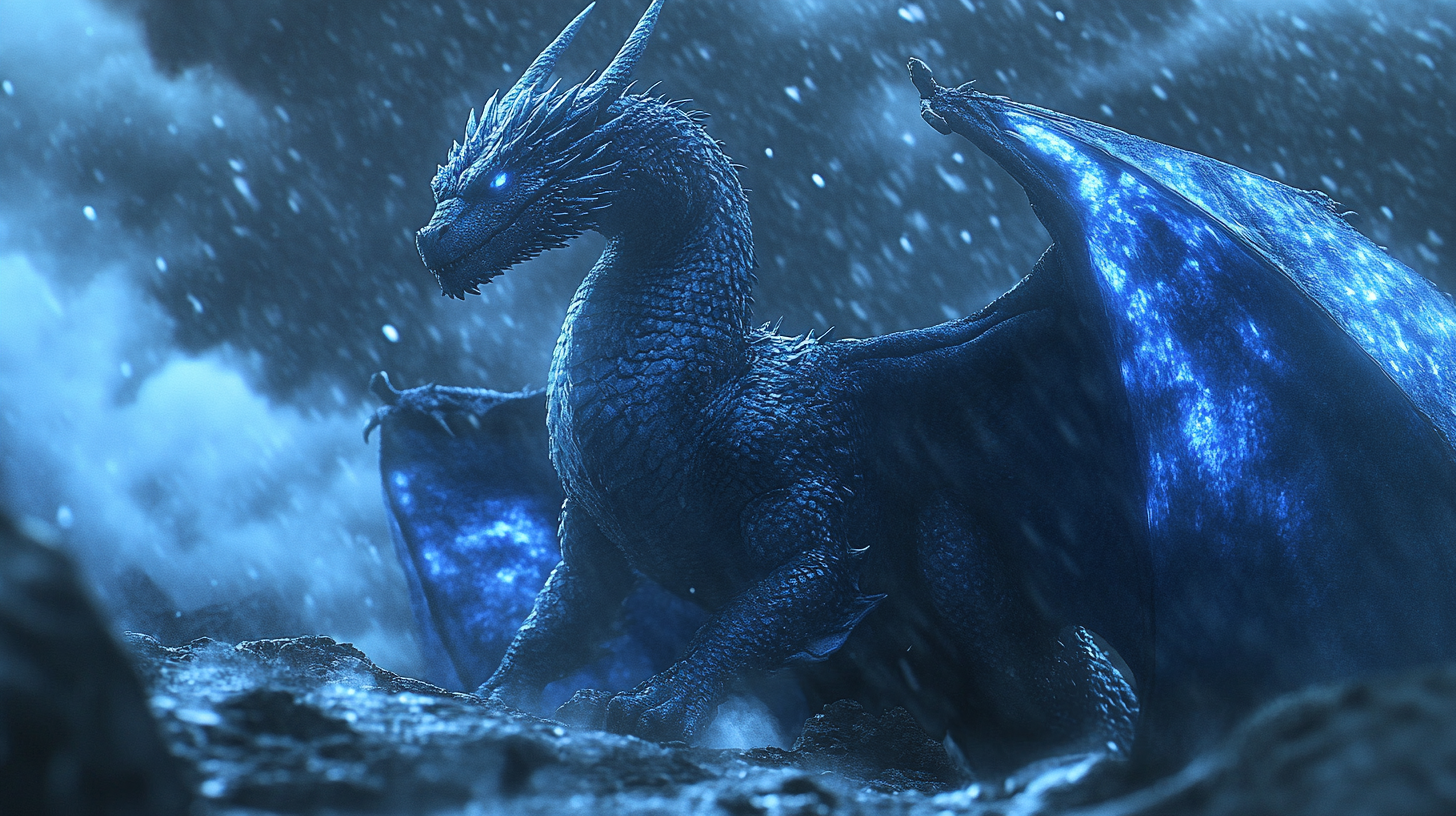
Turn Images into Short AI Videos
Upload artwork, product photos, or character images and turn them into short AI videos. Vidu Q3 helps animate static visuals with motion, style, and stronger visual consistency.
Vidu Q3 Feature Highlights
Vidu Q3 supports the core AI video workflows creators search for most: text to video AI, image to video AI, anime video generation, and cinematic video creation.
Text to Video AI
Create anime clips, cinematic scenes, social videos, and ad creatives from simple text prompts.
Image to Video AI
Upload images, product photos, artwork, or character references and animate them into short AI videos.
Native Audio for AI Videos
Generate video with music, sound effects, or dialogue in one workflow, with clips up to 16 seconds.
Anime and Cinematic Video Control
Control visual style, camera movement, character consistency, and motion for stronger AI video results.
AI Animation Generator Built for Stable Video Creation
Vidu Q3 helps creators generate short AI videos from text prompts and images with smoother motion, stronger visual consistency, and flexible style control.
Text and Image Inputs
Many AI video tools work best with only one type of input. Vidu Q3 supports both text to video and image to video workflows, so you can start from a written idea, an uploaded image, or a visual reference.
- Turning prompts into video scenes
- Animating artwork or product images
- Keeping the output closer to your original idea
More Consistent Motion
AI videos can sometimes flicker, shift, or lose character details during movement. Vidu Q3 is designed to reduce those issues by keeping subjects, motion, and scene structure more stable across frames.
- Smoother character movement
- More stable scenes
- Fewer distracting visual changes
Anime, Cinematic, and Ad Video Styles
Vidu Q3 supports different creative directions, including anime videos, cinematic scenes, social content, and video ads. You can guide the look with prompts, reference images, camera direction, and style descriptions.
- Anime-style clips
- Cinematic short scenes
- Product and ad videos
- Social media content
Vidu Q3 vs Other AI Video Generators
Compare Vidu Q3 with other AI video tools for text to video, image to video, anime videos, cinematic clips, and video ads. Explore our Comparison Hub for detailed benchmarks.
Strong Performance Across Creative Styles
Vidu Q3 performs well across anime, cinematic, and commercial video styles. It is designed to help creators generate short videos with stable motion, consistent visuals, and clear scene direction.
Better Prompt Understanding
Vidu Q3 works with natural text prompts, making it easier to describe subjects, camera movement, lighting, and style. This helps users create videos that stay closer to the original idea without requiring complex prompt engineering.
Fast Generation for Creative Iteration
Generate short AI videos quickly, test different prompt variations, and refine your results without slowing down your workflow. This is useful for creators, marketers, and teams that need to produce multiple video ideas fast.
High-Quality 1080p Video Output
Vidu Q3 supports up to 1080p output for clean, detailed videos. It works well for social content, product videos, anime clips, cinematic scenes, and video ads that need a polished final look.
Vidu Q3 Use Cases for Social, Film, Ads & Anime
Create social clips, cinematic storyboards, product ads, and anime-style videos from text prompts or images.
Social Media & YouTube Creators
Create TikTok hooks, YouTube B-roll, branded intros, vertical clips, and short video ads from simple text prompts.
Filmmakers & Directors
Use Vidu Q3 to plan scenes, test camera ideas, and create cinematic previsualization clips before full production.
Design Studios & Ad Teams
Turn product photos, campaign visuals, and ad concepts into short videos while keeping the original brand look closer to the source image.
Anime & 2D Artists
Create anime-style videos with smooth motion, consistent characters, and clean visual detail for shorts, concept scenes, and creative tests.
Simple Credit-Based Pricing
Choose a one-time credit bundle and create Vidu Q3 AI videos at your own pace.
Starter Plan
Best for testing Vidu Q3 and creating a few short videos.
- Text to Video Generation
- Image to Video Generation
- 1-16 Second Video Clips
- Up to 1080P Resolution
- General & Anime Styles
- Audio & BGM Generation
- Motion Control (Auto/Small/Medium/Large)
- Multiple Aspect Ratios (16:9, 9:16, 4:3, 1:1)
- Commercial License
Creator Plan
Best for regular creators who need more credits and faster generation.
- Text to Video Generation
- Image to Video Generation
- 1-16 Second Video Clips
- Up to 1080P Resolution
- General & Anime Styles
- Audio & BGM Generation
- Motion Control (Auto/Small/Medium/Large)
- Multiple Aspect Ratios (16:9, 9:16, 4:3, 1:1)
- Commercial License
Pro Plan
Best for teams and studios producing videos at higher volume.
- Text to Video Generation
- Image to Video Generation
- 1-16 Second Video Clips
- Up to 1080P Resolution
- General & Anime Styles
- Audio & BGM Generation
- Motion Control (Auto/Small/Medium/Large)
- Multiple Aspect Ratios (16:9, 9:16, 4:3, 1:1)
- Commercial License
See all credit tiers, pricing details, and usage options on our Pricing Page.
Frequently Asked Questions
Vidu Q3 is an AI video generator that turns text prompts or images into short videos. It is useful for anime-style clips, cinematic scenes, social media videos, and video ads.
You can use Vidu Q3 for text to video and image to video workflows, with support for smooth motion, consistent visual style, and up to 1080p output.
Yes. Vidu Q3 works well for anime-style video creation, especially when you need clean visuals, stable character design, and smooth motion across short clips.
It can be used for anime scenes, character animation, concept videos, and short-form creative content.
To create a video from text, enter a prompt that describes your scene, subject, action, camera movement, lighting, and style.
For better results, use a simple structure:
Example:
"A young warrior walking through a neon city at night, slow camera push-in, cinematic lighting, anime style."
Yes. Vidu Q3 can create cinematic-style AI videos with camera movement, dramatic lighting, atmosphere, and stylized motion.
It is suitable for short scenes, visual concepts, social clips, ads, and storyboarding. For the best results, include details such as camera angle, mood, lighting, and scene style in your prompt.
Yes. Vidu Q3 supports image to video generation. You can upload artwork, product photos, character images, or reference visuals and turn them into short videos.
Image input helps guide the visual style and can make the output stay closer to the original image.
Paid plans include commercial usage rights, so you can use generated videos for business, marketing, social media, client work, and ads.
You are still responsible for making sure your inputs and final outputs follow applicable laws and do not infringe third-party rights.
Vidu Q3 supports short AI video generation, with clips up to 16 seconds depending on the selected settings and available credits.
Shorter clips are usually easier to control and are often better for social media, ads, anime scenes, and quick creative tests.
Yes. Vidu Q3 supports native audio generation, including music, sound effects, or dialogue depending on the selected workflow and settings.
This helps creators generate video and sound in one workflow instead of adding audio separately after export.
Vidu Q3 is a good choice if you want a simple workflow for creating anime videos, cinematic clips, social content, and video ads from text or images.
It focuses on fast generation, visual consistency, text to video, image to video, native audio, and short-form video creation.
Yes. Vidu Q3 offers free starter credits so new users can test the platform before buying credits.
You can start with free credits, try text to video or image to video, and upgrade when you need more generations or advanced options.
Create Your First AI Video Today
Turn a prompt or image into a short AI video with Vidu Q3. Free starter credits included, no monthly subscription required.
Start Free